
Adding new staff/service
To add a new staff member or service, you will want to keep with the style that has already been determined on your site. To do this, you will want to use the Duplicate option on your editor.
1. Hover over the item and click Duplicate
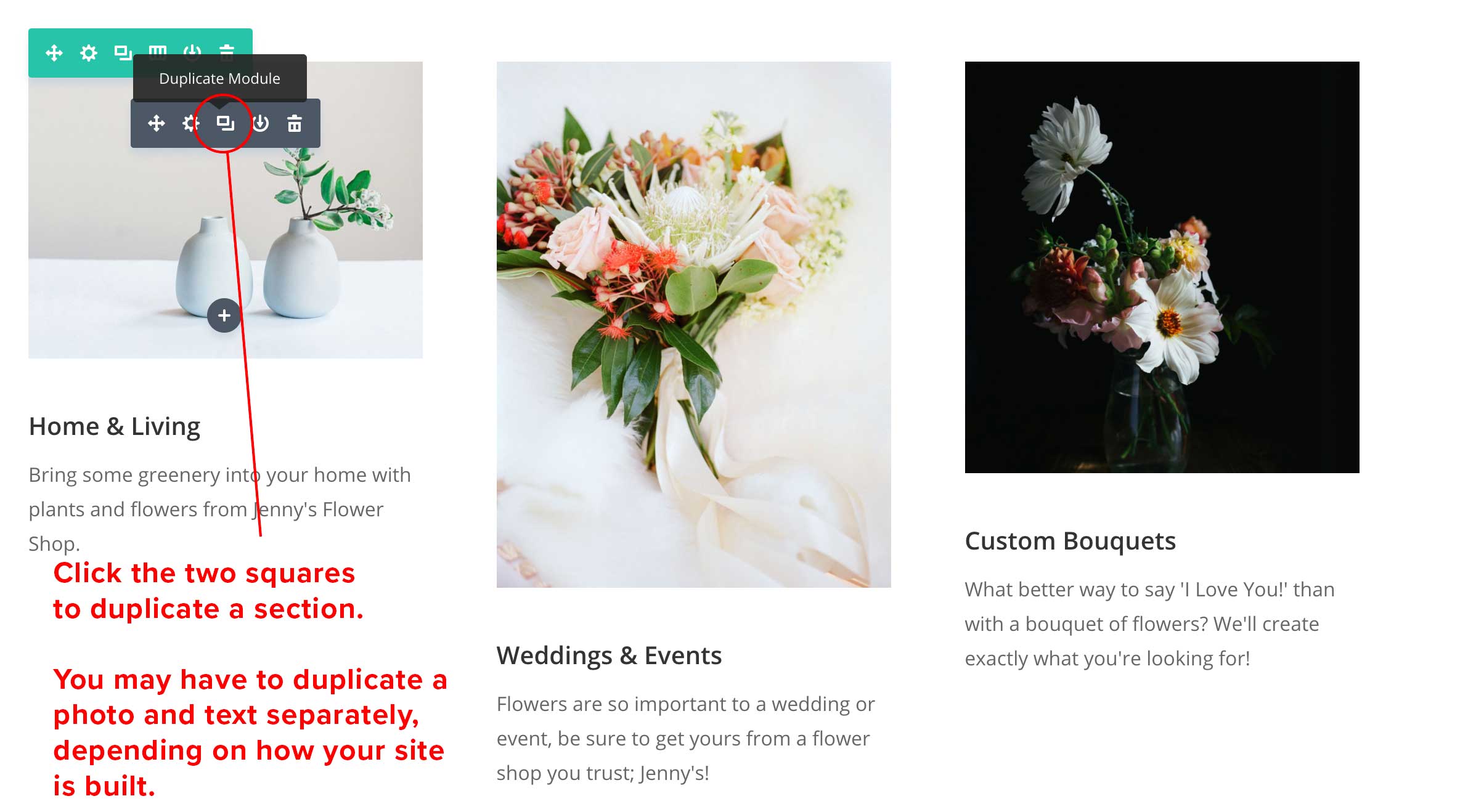
2. Use the text and image editor to create new content
CLICK HERE to see the guide on adding text.
CLICK HERE to see the guide on adding images.