Using Product Categories
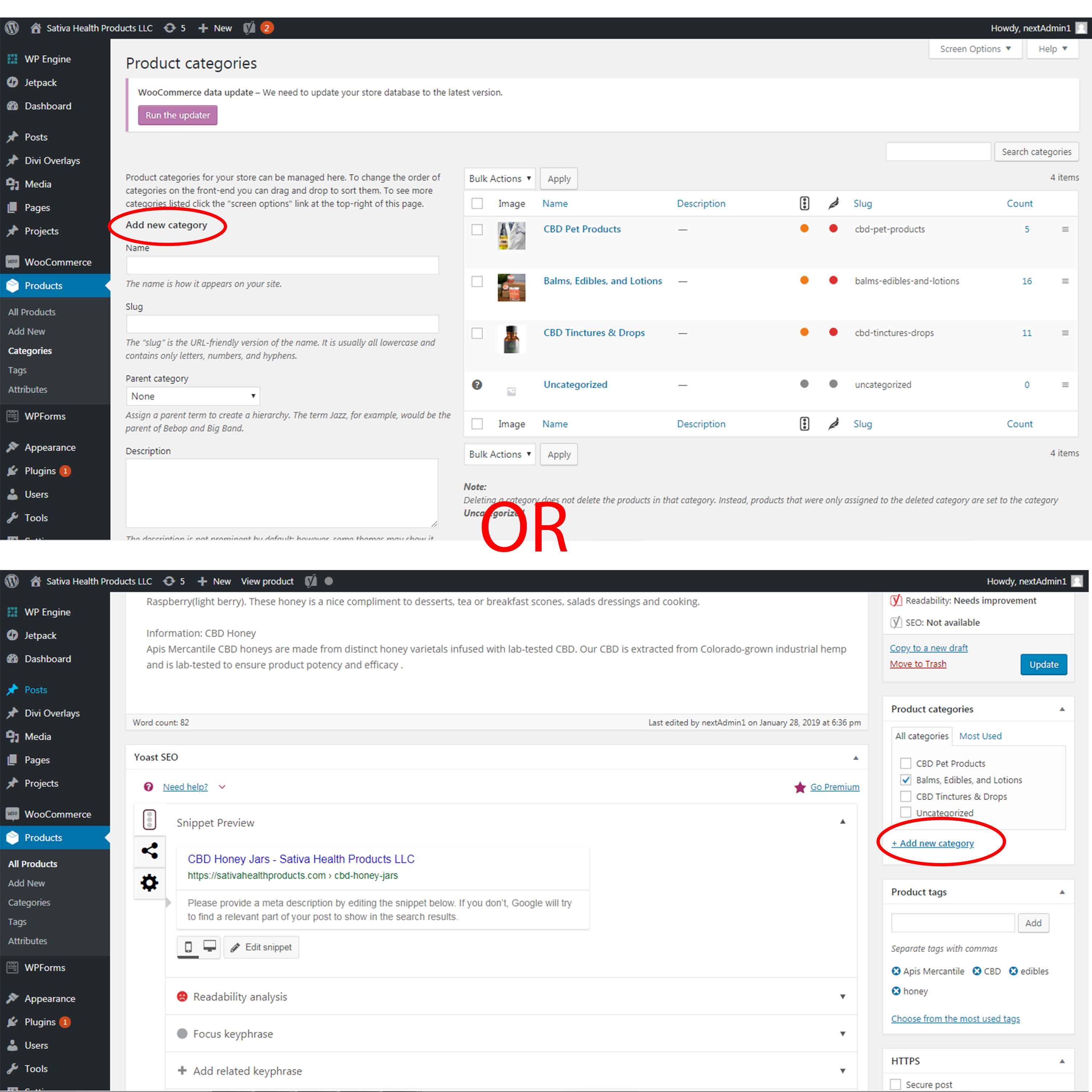
There are two ways that you can add product categories to your products. The places to do this are on a Product page and from within the Product Categories page.
Option 1
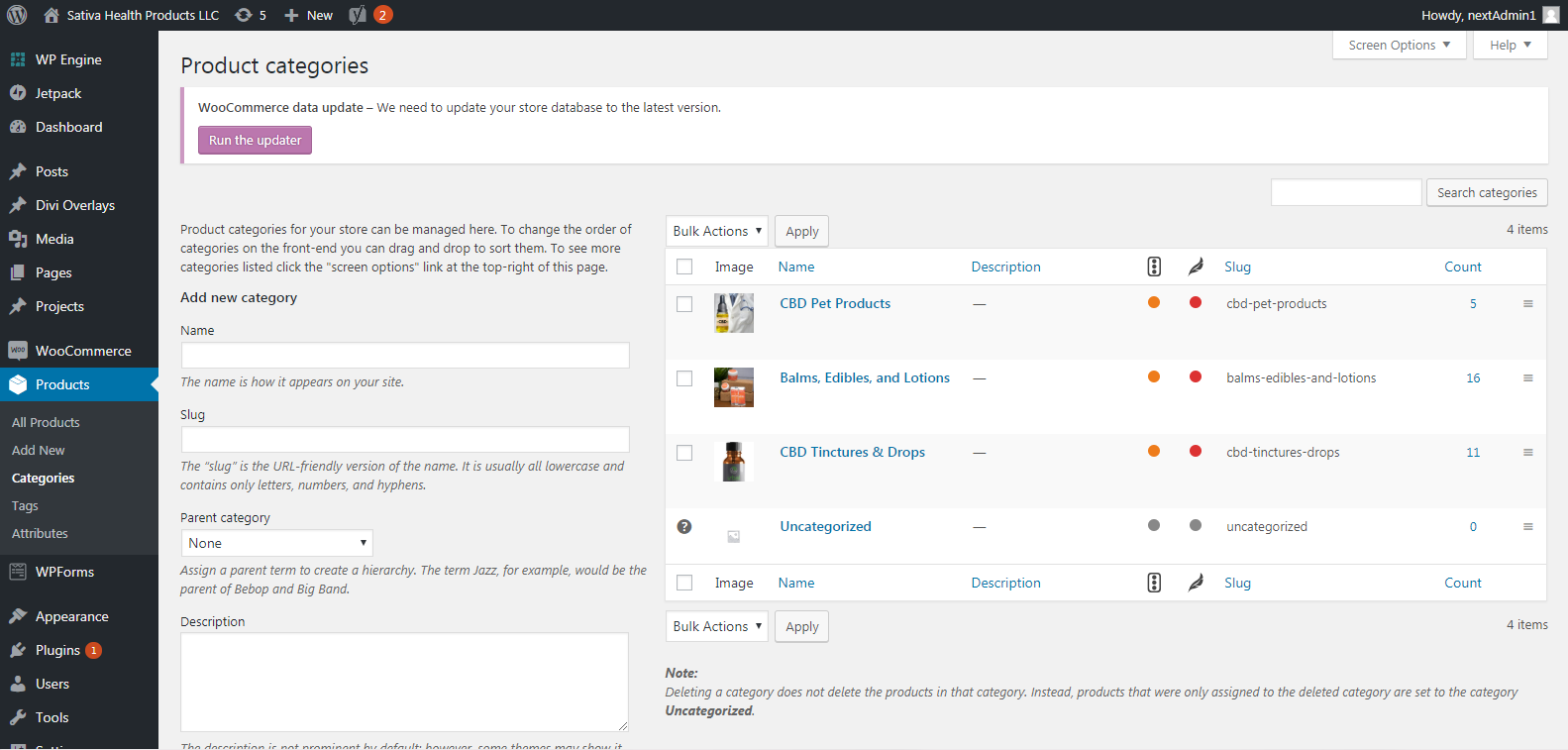
To add product categories is to hover over Products and choose Categories. Added product categories will then be available when you next add or edit a product.
Option 2
The second way to add product categories is when you are creating new products, or editing existing ones, you can select or add new product categories from the individual product page. Once you have selected the appropriate product categories be sure to click update so you save your changes.